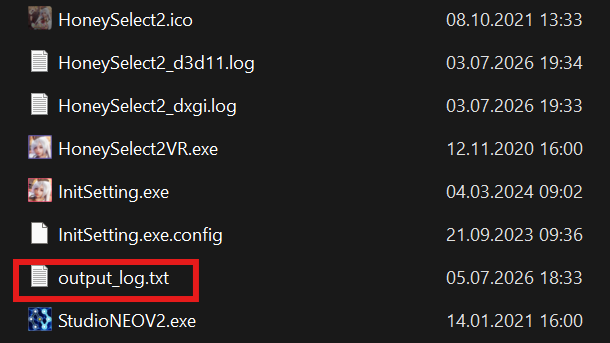
Section 1 - BepInEx Logging
- Click on your
BepInExfolder (This folder can be found in the same folder as your game and studio)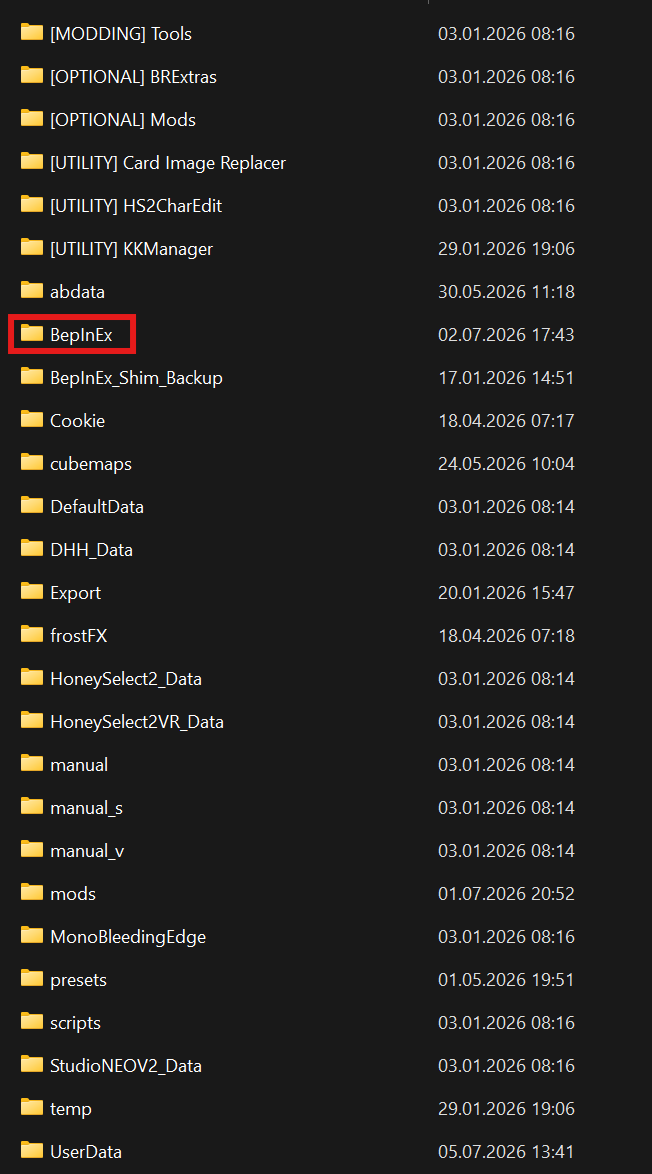
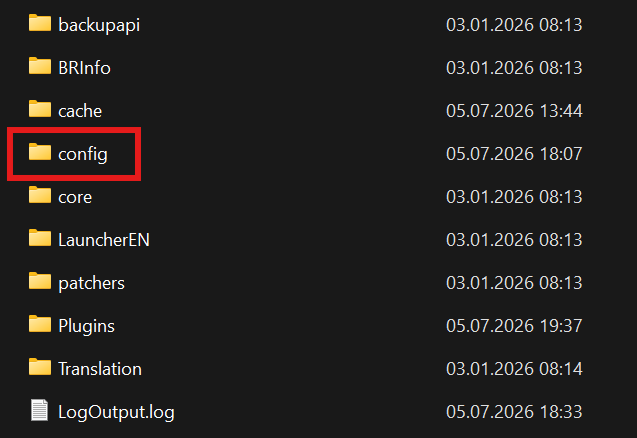
- Click on the
configfolder
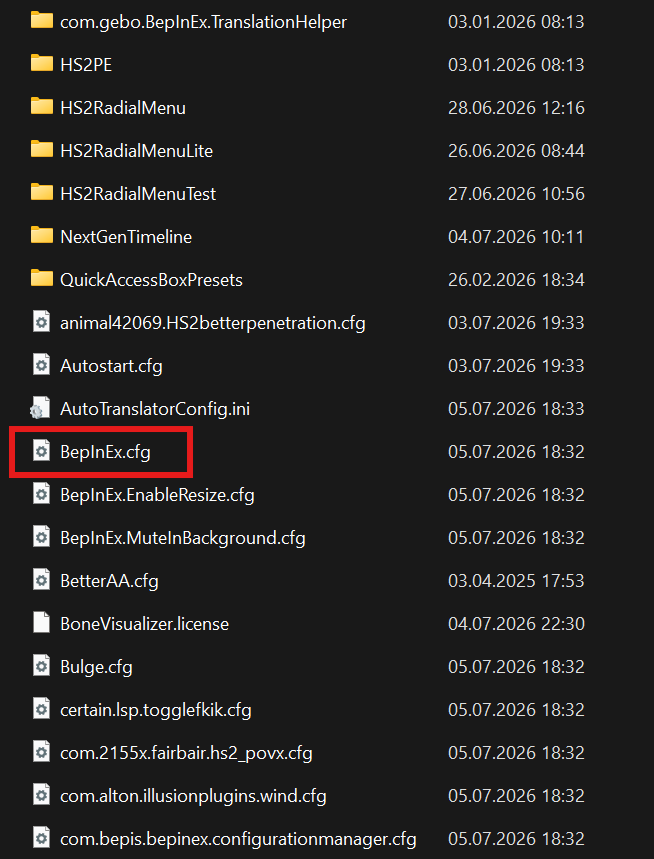
- Click on the
- Open the
BepInEx.cfgfile
- Scroll down until you see the
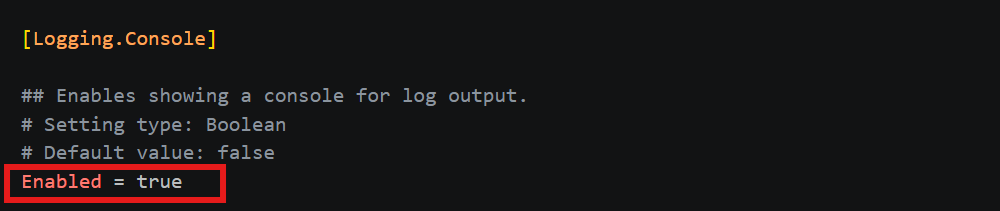
[Logging.Console]section and change theEnabledvalue fromfalsetotrue.
- (Optional) Under log levels you can enter which type of error levels you wanna see
 Make sure to save your changes.
Section 2 - Redirect Output
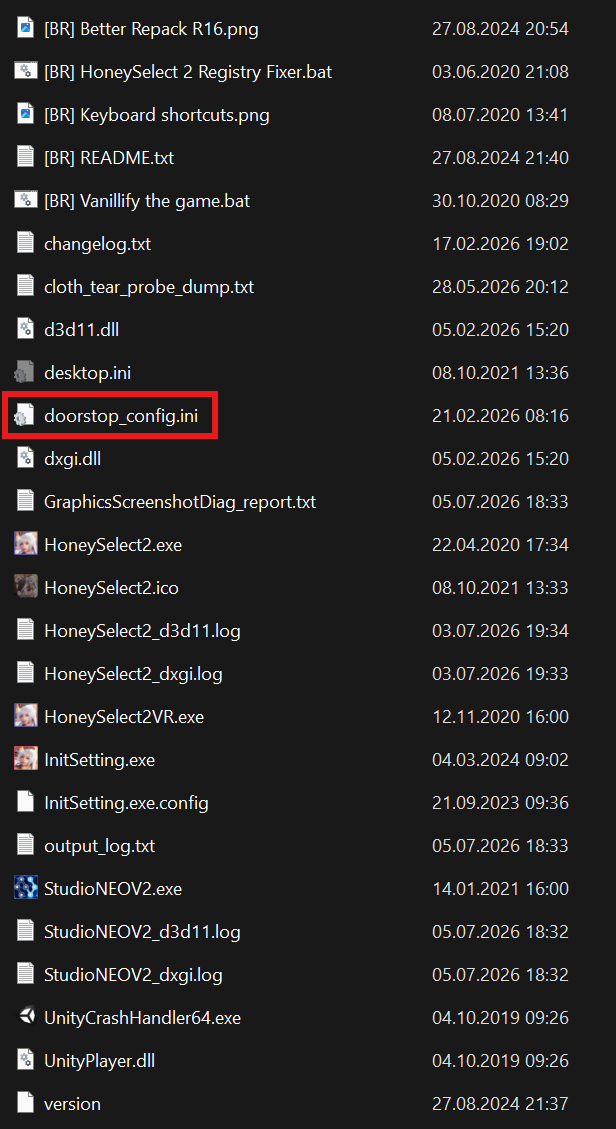
- Open the doorstep_config.ini file located in the same folder as your game and studio
- Change the
redirect_output_logtotrue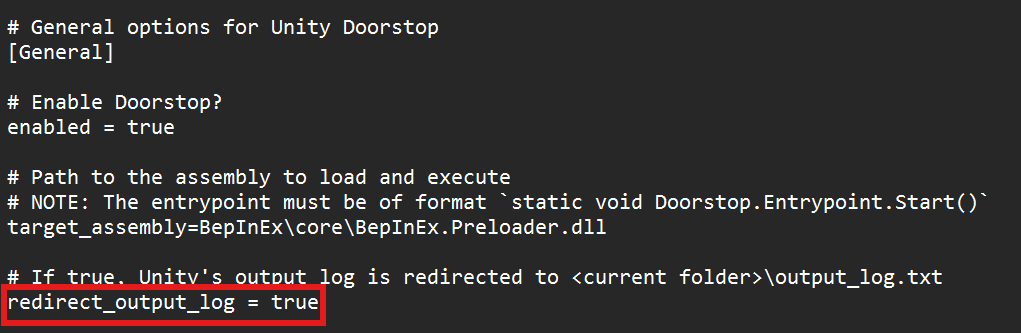
Your logs will now automatically be generated in the same folder as your game and studio and will show as output_log.txt