BetterPenetration is a lot simpler to use than it looks. Three steps and it’s set up.
1. Select your male character
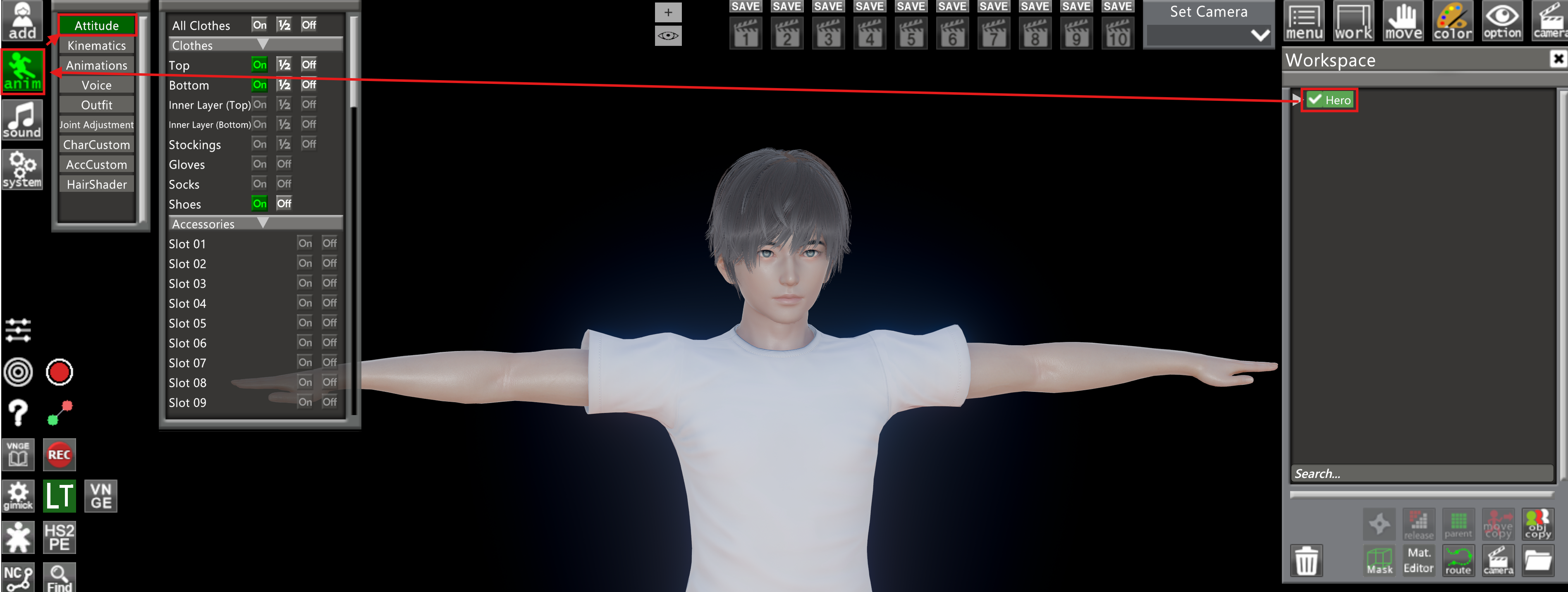
Select the character, then click Anim, then Attitude.
2. Pick a [BP5] penis
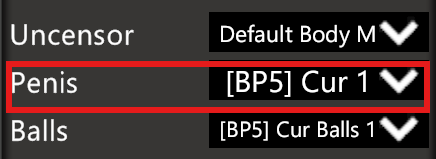
Scroll down to Uncensor, Penis and Ball options and make sure the penis you have selected is one marked [BP5]. That tag means it’s built for BetterPenetration; anything without it won’t work with the plugin.
3. Turn it on and pick a target
Keep scrolling until you reach the Better Penetration section. Make sure it’s enabled, then set Auto-Target to whichever body part you want the penis to snap to.
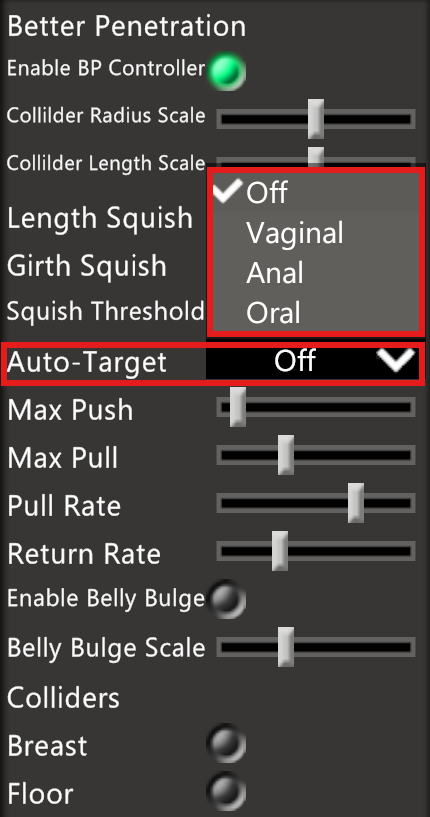
Done. It’ll track that target on its own from here.